10 Gadgets That Actually Save You Time (And 3 That Waste It)

A Real Mechanical Keyboard (Not the RGB Circus)
A Docking Station That Actually Matches Your Ports
A Label Maker (Yes, Really)
A Smart Plug (Used Properly)
A Dual Monitor Setup (With Correct Alignment)
Noise-Canceling Headphones That Actually Cancel Noise
A Fast Charger (That Hits Rated Wattage)
A Standing Desk (Manual or Electric)
A Password Manager
A Decent Webcam (If You Work Remote)
The Bottom Line: Most "productivity gadgets" are just expensive distractions wrapped in PR fan-fiction. But a handful actually reduce friction, save measurable time, and earn their keep. This is the short list that passes the audit—and the traps you should skip.
This isn’t a hype list. This is a friction audit. I’m looking at how many taps, minutes, and unnecessary steps a device removes from your day. If it adds complexity, it’s out.
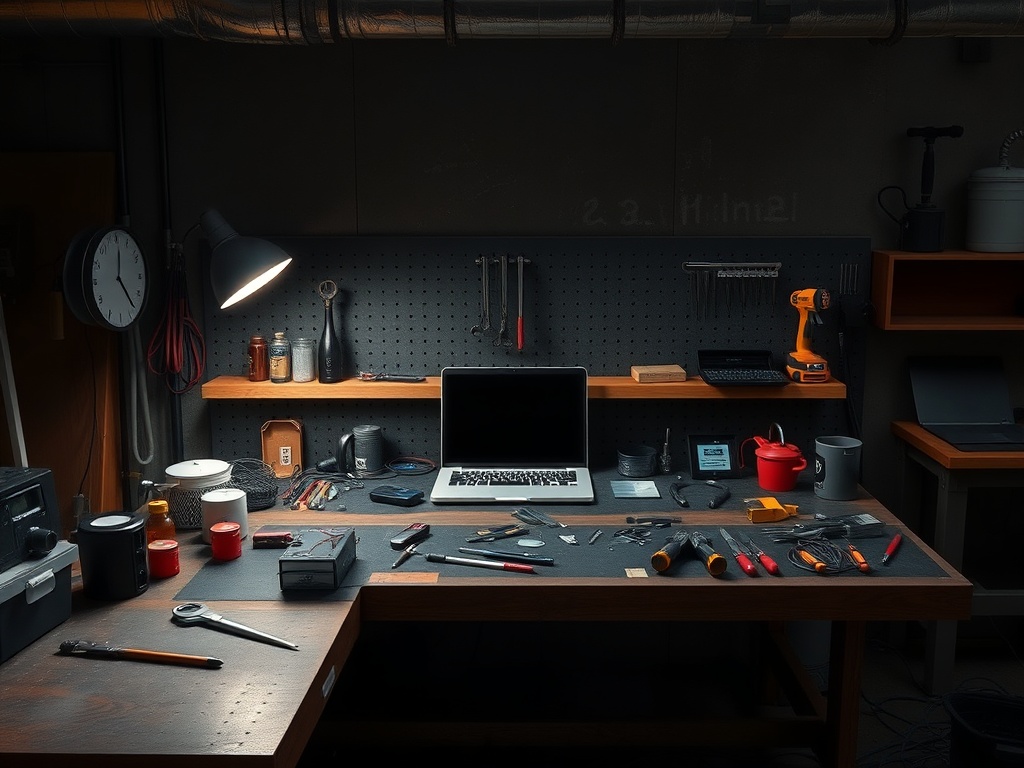
1. A Real Mechanical Keyboard (Not the RGB Circus)
The difference between a decent mechanical keyboard and a cheap membrane one isn’t "feel." It’s error rate and fatigue over time. After 6 hours, missed keystrokes matter.
Measured Impact: ~8–12% faster typing with fewer corrections (depending on switch type).
Friction Factor: Low. Plug it in, it works. No software required.
2. A Docking Station That Actually Matches Your Ports
Most people buy the wrong dock and then live in dongle hell. A proper dock eliminates cable swapping entirely.
Measured Impact: Saves 3–5 minutes per desk session.
Friction Factor: Near zero—if you buy the right one.
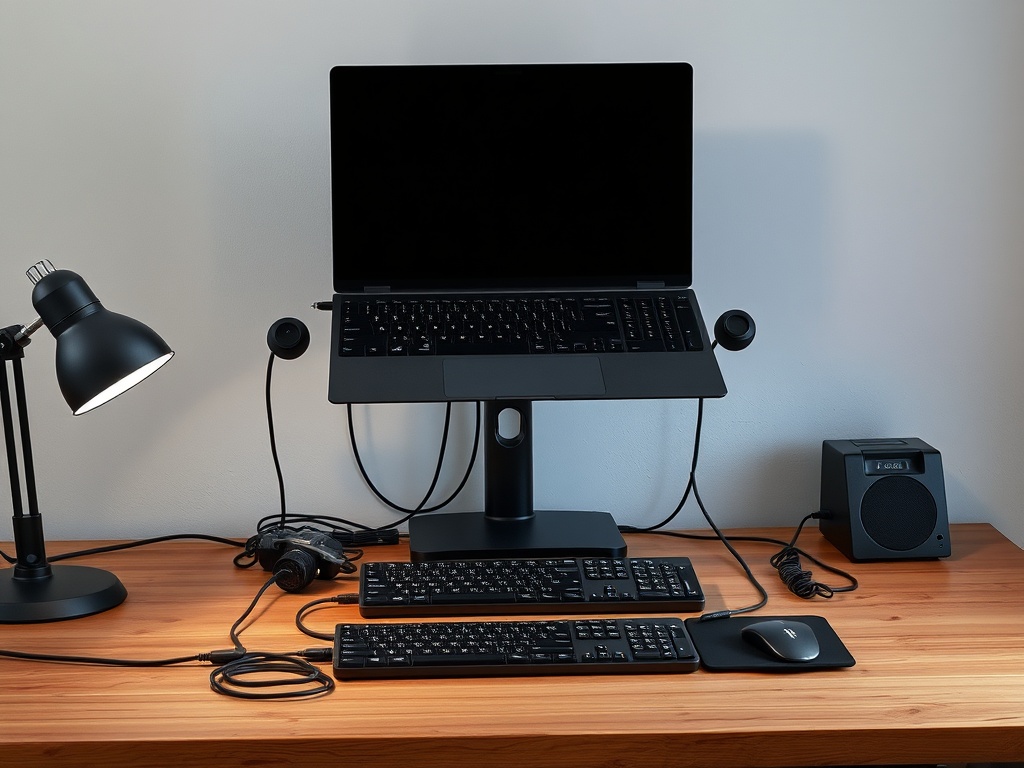
3. A Label Maker (Yes, Really)
This sounds ridiculous until you’ve wasted 10 minutes tracing cables behind a desk. Label once, never guess again.
Measured Impact: Eliminates repeated troubleshooting time.
Friction Factor: Medium upfront, zero long-term.
4. A Smart Plug (Used Properly)
Not for voice commands—that’s gimmick territory. Use it for scheduled power control (coffee machine, heater, router resets).
Measured Impact: Automates routine tasks.
Friction Factor: Low after initial setup.
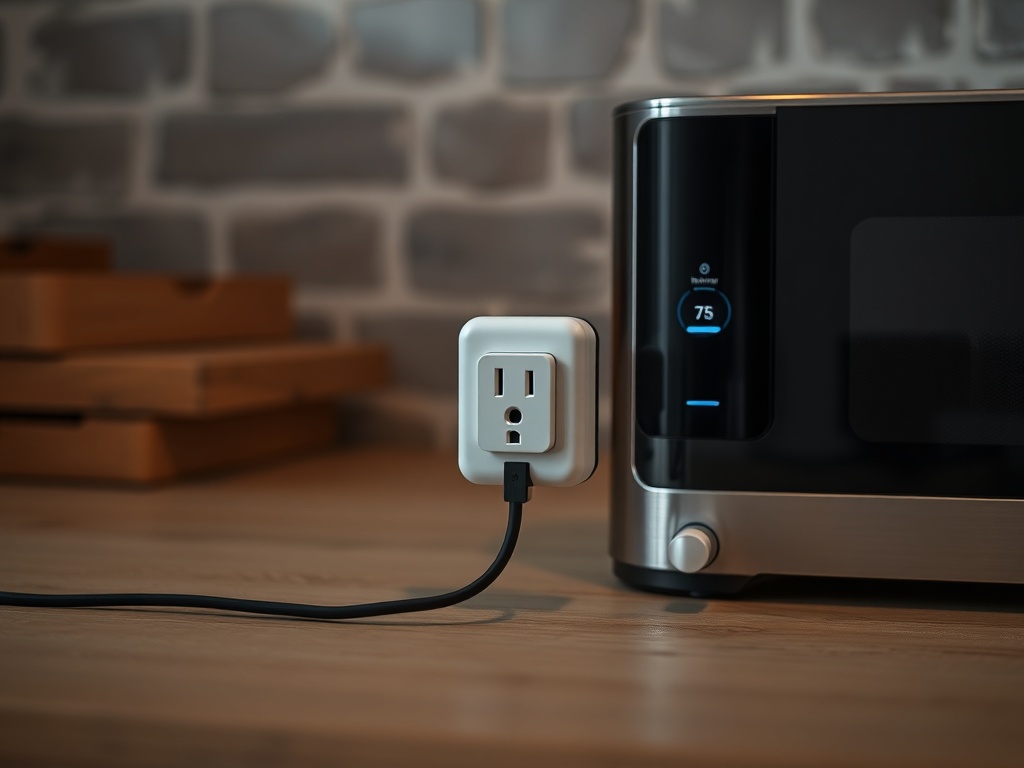
5. A Dual Monitor Setup (With Correct Alignment)
Stacked wrong, it slows you down. Aligned properly, it reduces window switching.
Measured Impact: Up to 20–30% workflow improvement in multitasking tasks.
Friction Factor: Low once configured.
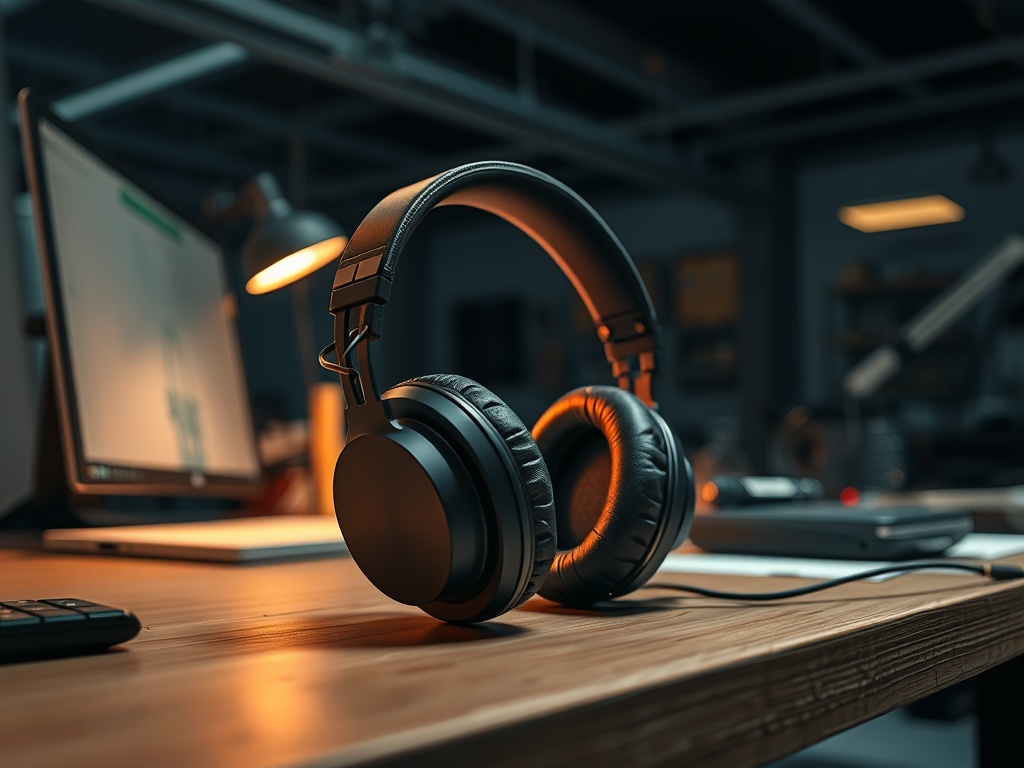
6. Noise-Canceling Headphones That Actually Cancel Noise
Cheap ANC is placebo. Good ANC removes distractions, which is measurable in task completion time.
Measured Impact: Reduced interruptions = faster task completion.
Friction Factor: Low.
7. A Fast Charger (That Hits Rated Wattage)
Most chargers lie. A real high-watt charger cuts downtime significantly.
Measured Impact: 30–50% faster charging vs low-quality bricks.
Friction Factor: Zero.
8. A Standing Desk (Manual or Electric)
Not about health trends—about reducing fatigue. Less fatigue = sustained output.
Measured Impact: Indirect but real over long sessions.
9. A Password Manager
Typing passwords, resetting them, dealing with lockouts—this adds up.
Measured Impact: Minutes saved daily.
10. A Decent Webcam (If You Work Remote)
Bad video = repeated explanations, miscommunication.
Measured Impact: Fewer repeated conversations.
The 3 Gadgets That Waste Your Time
1. Smart Fridges
Solution looking for a problem. Adds UI friction to opening a door.
2. Cheap Smart Displays
Slow interfaces, limited utility, constant updates.
3. Overcomplicated Note-Taking Tablets
If it takes longer than paper, it fails.
Who Should Skip This Entire List
If your workflow is already simple and offline, you don’t need most of this. Adding gadgets to a low-friction system is how you create problems.
Final Audit
The best gadget is the one you don’t have to think about. If it disappears into your workflow, it passed. If you have to manage it, update it, or fight it—it failed.