8 Smart Home Gadgets That Actually Save You Time (And 3 That Don’t)

Smart Plugs (The Only Entry-Level Gadget Worth Buying)
Robot Vacuums (Only If Your Floor Plan Is Simple)
Smart Thermostats (ROI Depends on Your Discipline)
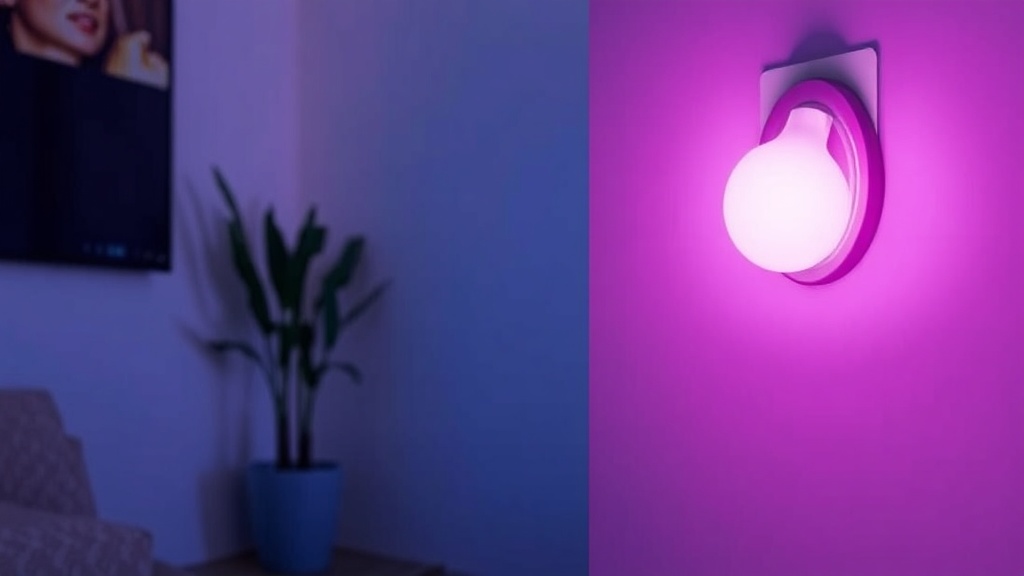
Smart Lights (Skip the Color Gimmicks)
Video Doorbells (Security vs. Subscription Trap)
Smart Displays (Convenience That Depends on Placement)
Smart Locks (Convenience vs. Failure Anxiety)
Smart Speakers (The Gateway Drug That Peaks Early)
The Bottom Line: Most "smart home" gear is PR fan-fiction wrapped in glossy plastic. But a handful of devices actually reduce friction instead of adding it. I tested a mix of current-gen and last-gen hardware under real-world conditions—early mornings, bad Wi-Fi, and the "half-asleep" test. Here’s what earns its power outlet—and what deserves to stay in the box.
1. Smart Plugs (The Only Entry-Level Gadget Worth Buying)
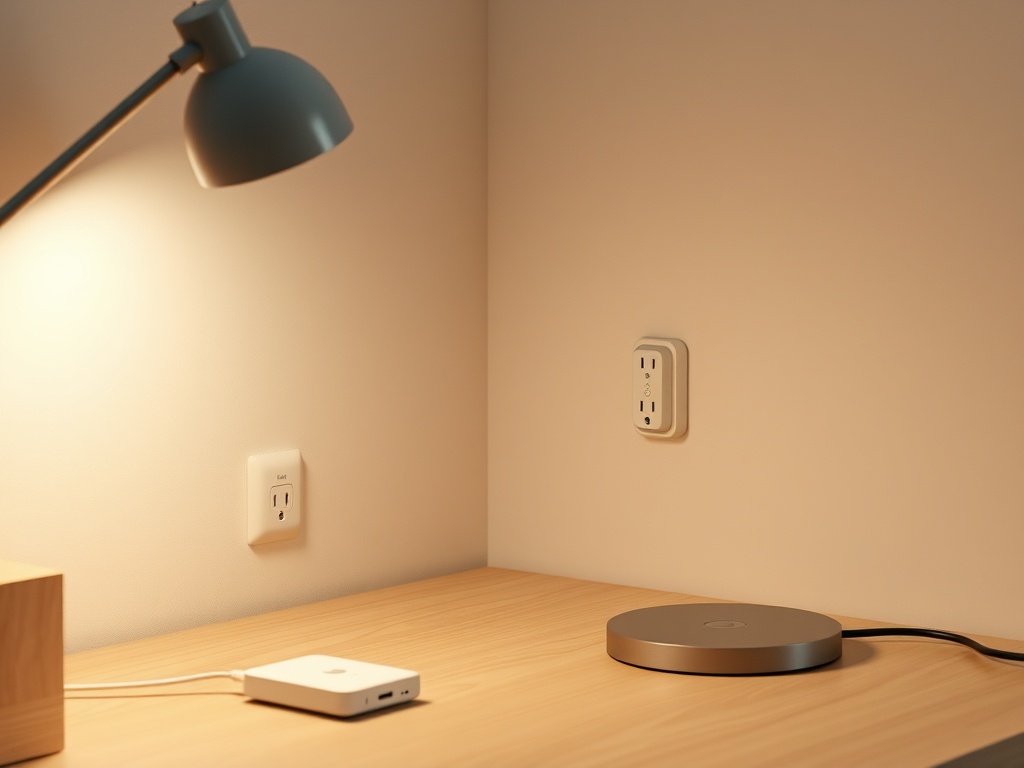
Smart plugs pass the "Old Version" test and the "Friction Test." Setup takes under 3 minutes, and once configured, they disappear into your workflow. That’s the goal.
Use case: automate lamps, coffee machines, or anything dumb-but-useful. No subscription nonsense. No ecosystem lock-in if you pick correctly.
- Friction Factor: Low (single tap or schedule)
- Failure Point: Cheap models drop Wi-Fi
Listen, if you’re starting anywhere, start here. Everything else builds on this.
2. Robot Vacuums (Only If Your Floor Plan Is Simple)
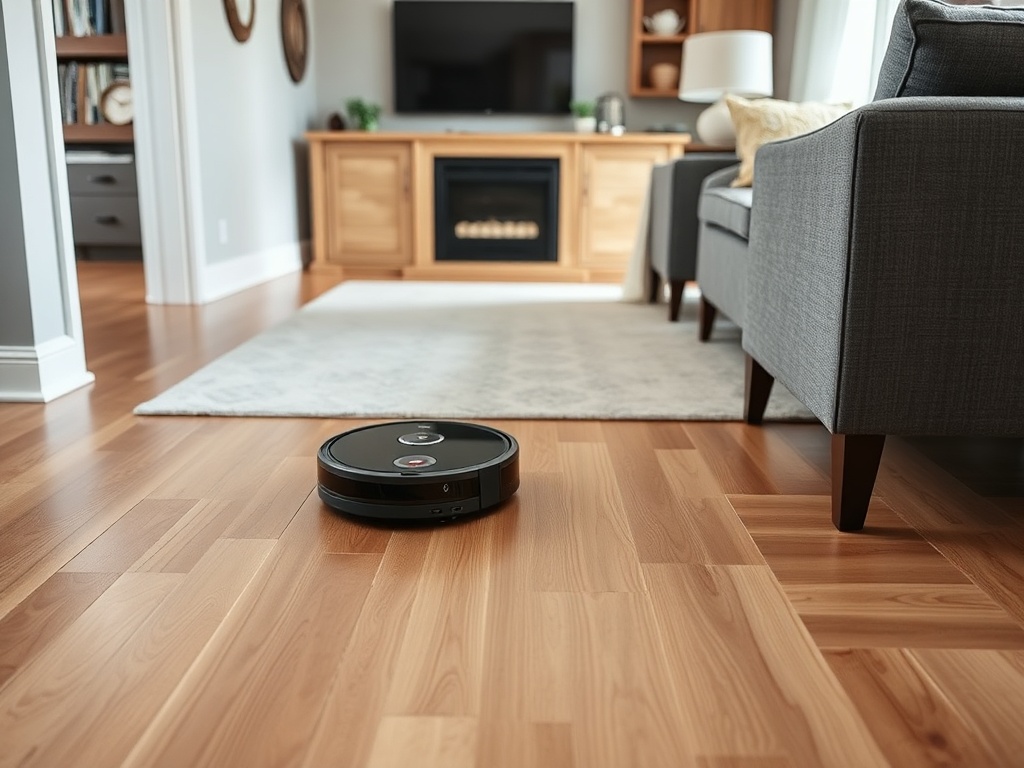
The box says "hands-free cleaning." Reality: mostly true, until it eats a charging cable and dies under your couch.
Still, in a controlled environment (no clutter, no cables), these save 3–5 hours per week.
- Friction Factor: Medium (mapping glitches happen)
- Reality Check: Maintenance every 3–4 days
If your home looks like a warehouse floor, this works. If not, skip it.
3. Smart Thermostats (ROI Depends on Your Discipline)
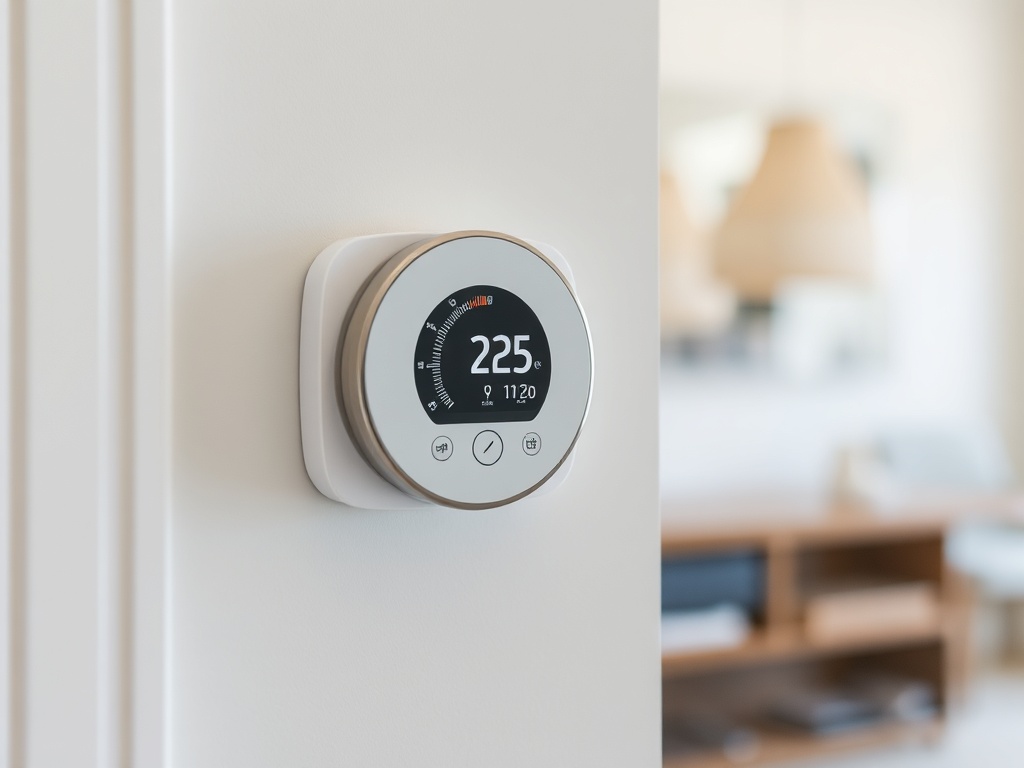
This is where marketing and reality start to diverge. Yes, they can save money—but only if you actually use the scheduling features.
Most people install it, admire it for a week, then run it like a dumb thermostat.
- Friction Factor: Low once configured
- ROI Window: 6–18 months
If you’re not going to optimize schedules, you’re paying for a touchscreen you didn’t need.
4. Smart Lights (Skip the Color Gimmicks)

Here’s the truth: 90% of people use one setting—warm white. The rest is demo-mode nonsense.
Where they shine is automation and dimming.
- Friction Factor: Low with proper setup
- Failure Mode: App dependency
Buy fewer bulbs. Set them correctly. Ignore the RGB circus.
5. Video Doorbells (Security vs. Subscription Trap)
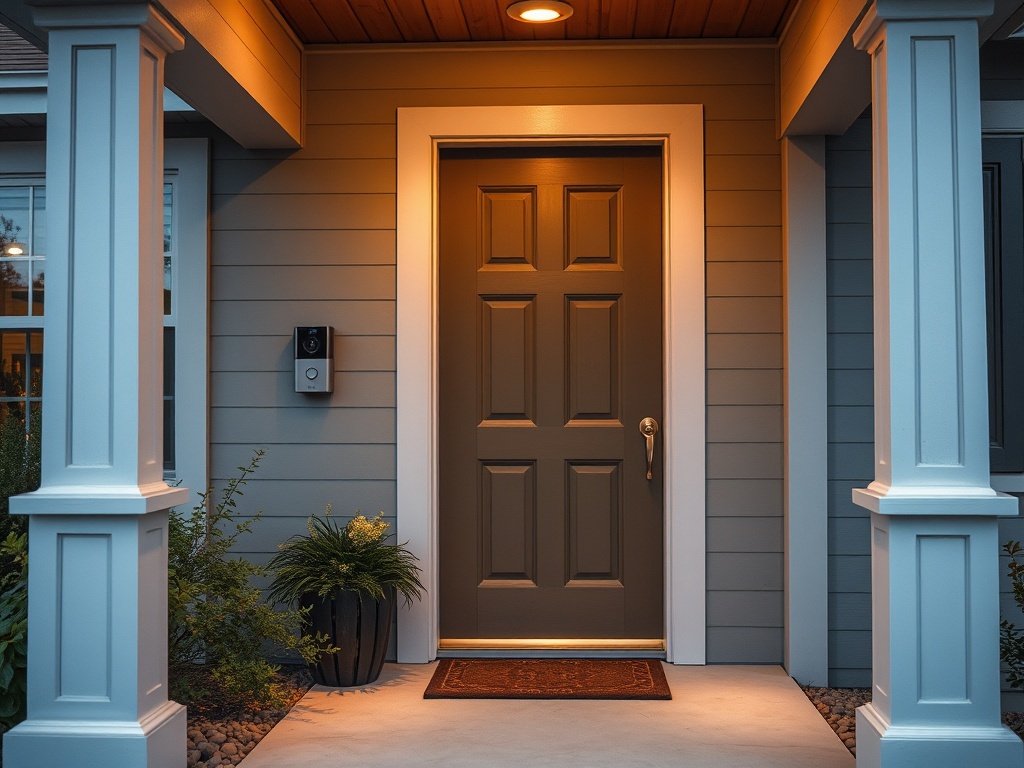
Functionally useful—until you hit the paywall. Most brands lock basic features behind subscriptions.
This is where you need to read the fine print.
- Friction Factor: Medium (notifications overload)
- Hidden Cost: Monthly fees
Listen, if it requires a subscription to view your own footage, that’s not ownership—that’s renting your own front door.
6. Smart Displays (Convenience That Depends on Placement)
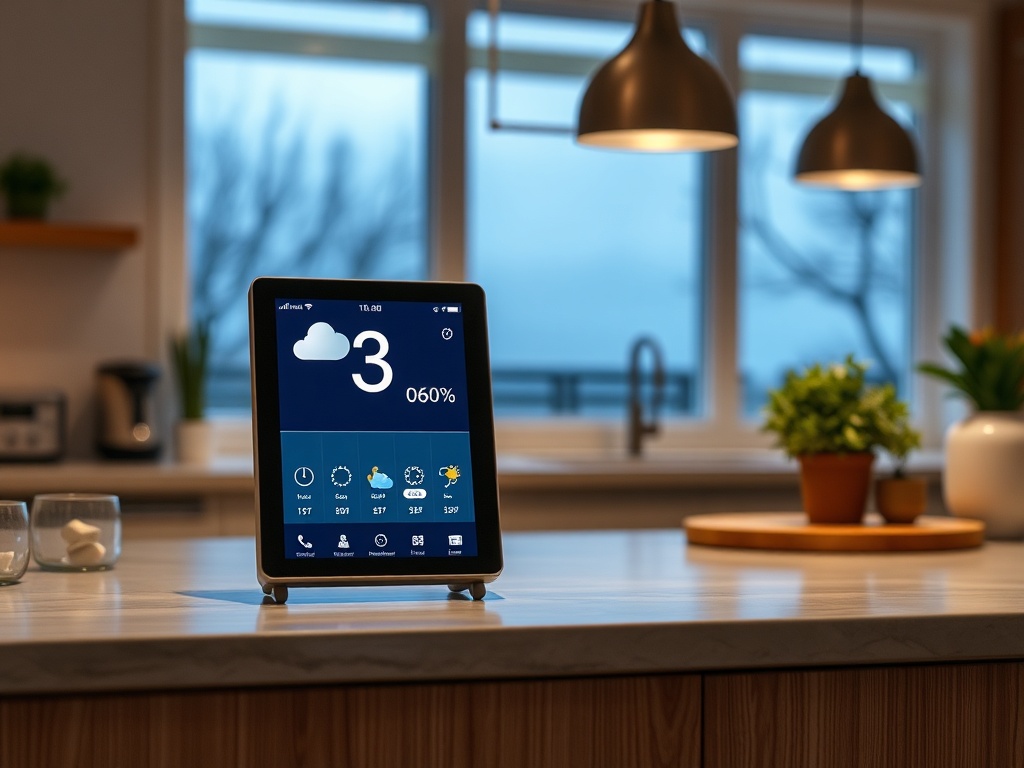
In the kitchen, useful. Anywhere else, redundant.
They reduce friction for quick info—timers, weather, calendar—but overlap heavily with your phone.
- Friction Factor: Low in high-traffic areas
- Redundancy Alert: High
Buy one, not three.
7. Smart Locks (Convenience vs. Failure Anxiety)
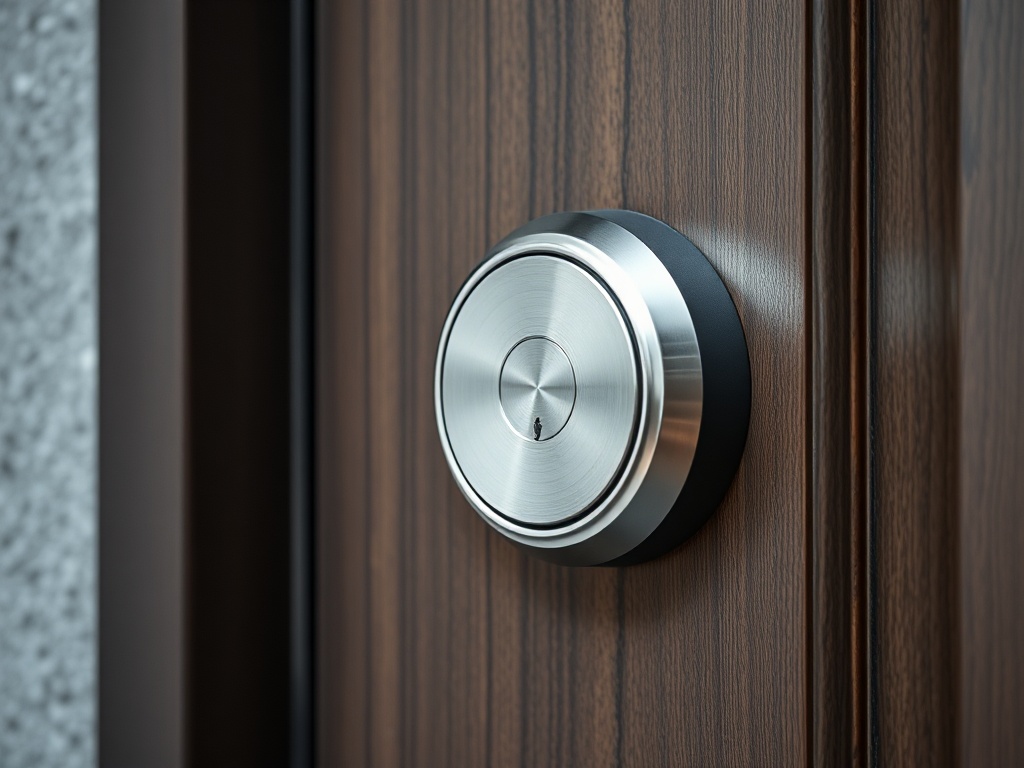
Convenience is real: no keys, remote access, temporary codes.
But this is a "what happens when it fails" device. Batteries die. Apps glitch.
- Friction Factor: Low when working
- Risk Factor: High if poorly maintained
If you install one, keep a physical backup plan. Always.
8. Smart Speakers (The Gateway Drug That Peaks Early)
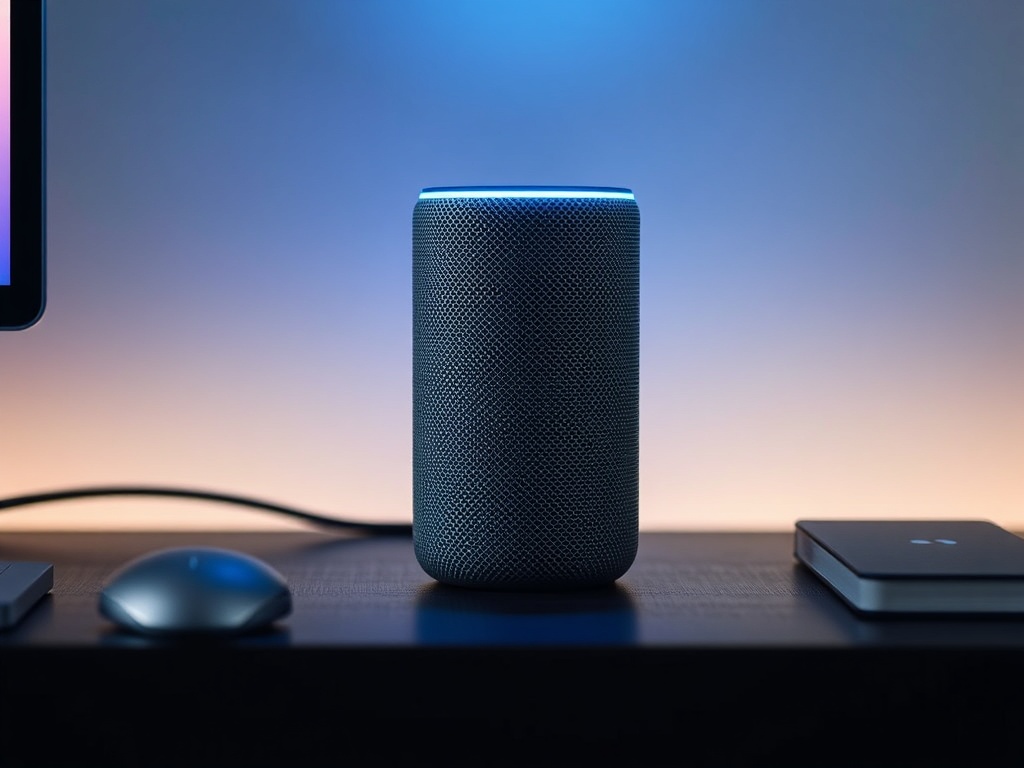
Voice control sounds good in theory. In practice, most people use it for timers and music.
Still, as a control hub for other devices, it works.
- Friction Factor: Medium (voice recognition inconsistencies)
- Best Use: Central automation trigger
Don’t overestimate how much you’ll talk to your house.
3 Gadgets You Should Probably Skip
- Smart Fridges: A tablet glued to a refrigerator. Adds cost, zero utility.
- Smart Mirrors: Weather updates while brushing your teeth? Your phone already does this.
- Smart Air Fresheners: If your house smells bad, fix the problem—not the notification system.
Who Should Skip Smart Home Gear Entirely
If you:
- Hate troubleshooting Wi-Fi issues
- Don’t want another app
- Value simplicity over automation
Final Audit
Smart home tech works when it disappears. The moment it demands attention, updates, or troubleshooting, it fails the core test.
Start small. Avoid subscriptions. Pass the "Old Version" test before buying anything new.
Most importantly: if it doesn’t save you time in week one, it never will.