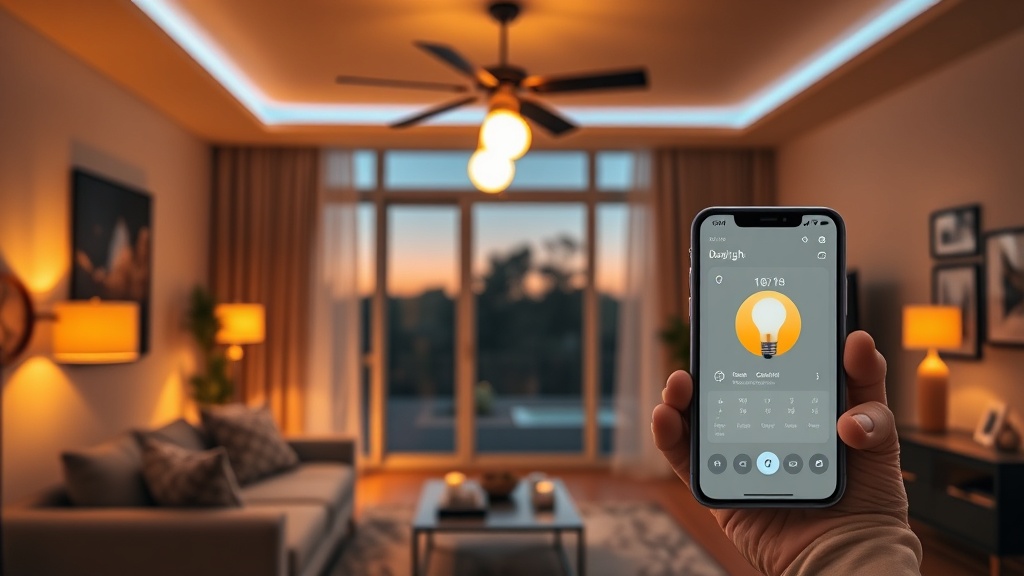
Smart Lighting Hacks for a Smooth DST Switch — Boost Mood and Sleep

Hook: Did the clock jump forward and leave your bedroom feeling like a midnight office?
Context: The spring daylight‑saving shift is the one‑hour slap that throws most of us off balance. Your mood, focus, and even your wallet take a hit when your internal clock is out of sync. The good news? A handful of cheap smart‑lighting tricks can turn that chaos into a smooth, data‑driven transition.
Why Does Light Matter When the Clock Changes?
Light is the primary Zeitgeber — the cue that tells your suprachiasmatic nucleus (the brain’s master clock) what time it is. When we lose an hour, the light‑dark pattern we rely on gets scrambled, and the brain lags behind. The result? Grogginess, irritability, and the dreaded “why am I still yawning at 10 am?”
In Adjusting Your Circadian Rhythm After Daylight Saving we covered the science; now let’s apply it with cheap hardware you can buy on Amazon for under $30.
What Is the Ideal Light Schedule for the DST Jump?
Think of the day in three phases: Morning Boost, Mid‑day Balance, and Evening Wind‑Down. The goal is to give your eyes bright, cool‑white light when you need to be alert, and warm, dim light when you need to wind down.
- Morning Boost (6 – 9 am): 5,000‑10,000 lux, color temperature 5,500‑6,500 K. Mimic sunrise.
- Mid‑day Balance (9 am – 6 pm): 2,000‑3,000 lux, 4,000‑5,000 K. Keep productivity high without overstimulating.
- Evening Wind‑Down (6 pm – bedtime): <200 lux, 2,700‑3,000 K amber. Signal melatonin production.
How Do I Set Up a Low‑Cost Smart‑Bulb Routine?
All you need is a hub‑less smart bulb (Philips Hue White and Color, LIFX Mini, or the budget $15‑$20 bulbs) and a phone with the manufacturer’s app. Here’s a step‑by‑step recipe that takes under ten minutes.
- Install the bulbs in the rooms you spend the most time — bedroom, bathroom, kitchen.
- Pair them to your Wi‑Fi using the app. No hub required for most budget models.
- Create three scenes — “Morning Sun,” “Daylight,” and “Evening Glow.” Set the color temperature and brightness as listed above.
- Schedule the scenes using the app’s “Automation” feature. Align the start times with the official sunrise/sunset times for your zip code (the app pulls this data automatically).
- Test the transition a day before the DST change. Walk through the schedule and adjust brightness if it feels too harsh.
Pro tip: Add a subscription‑free automation by using Google Home or Apple Shortcuts instead of the bulb’s native cloud service. You’ll save a few bucks and avoid the “paywall creep” that’s become common in 2026.
Can I Use LED Strips for a Whole‑Room Effect?
If you want ambient light that wraps the ceiling, cheap Wi‑Fi LED strips (≈ $12 per 5 m) work well. Pair them with a controller that supports Home Assistant and you get a DIY lighting grid for under $30.
Set the strip’s “sunrise” mode to 300 lux at 6 am, and its “sunset” mode to 100 lux amber at 9 pm. The result is a gentle, room‑wide cue that’s hard to miss.
What Are Common Mistakes to Avoid?
- Over‑brightening the evening: A 400‑lux lamp at 8 pm will keep melatonin at bay. Keep it under 200 lux.
- Relying on “auto‑sunrise” without verification: Some apps use generic sunrise times. Double‑check with a local weather service.
- Skipping weekends: Consistency beats occasional “cheat‑days.” Your brain loves routine more than you think.
How Do I Tie Lighting Into My Existing Smart‑Home Stack?
If you already run a Google Nest or Alexa ecosystem, add the bulbs as “lights” and create a routine called “DST Reset.” Trigger it with a voice command or a calendar event on March 10. The same routine can also dim your smart thermostat (see Smart Thermostat Buying Guide 2026) to keep the bedroom cool for better sleep.
Takeaway: One Simple Automation to Get You Through DST
Set up a three‑scene schedule, test it a day early, and keep the evenings below 200 lux. If you can’t afford a hub, use Google Home or Apple Shortcuts — they’re free, reliable, and won’t add a subscription to your bill.
Related Reading
- Adjusting Your Circadian Rhythm After Daylight Saving — the science behind why light matters.
- Spring Evening Refresh: Aromatherapy & Light Therapy for Better Sleep — complementary wellness tricks.
- Embrace Bio‑Harmony: Practical Ways to Sync Your Life with Your Circadian Rhythm — deeper dive into holistic timing.
- Smart Home Subscription Tax 2026: Gemini’s New Paywall — how to keep automation cheap.
- Smart Thermostat Buying Guide 2026 — pairing lighting with temperature control.