
The Ultimate Guide to Choosing a Durable and Repairable Laptop in 2024

The Bottom Line: In a market flooded with fancy features and flashy designs, choosing a laptop that is both durable and repairable isn't just a smart move—it's a necessity. This guide will walk you through how to pick a laptop that won't be obsolete in two years, focusing on build quality, repairability, and long-term performance.
Understanding Build Quality
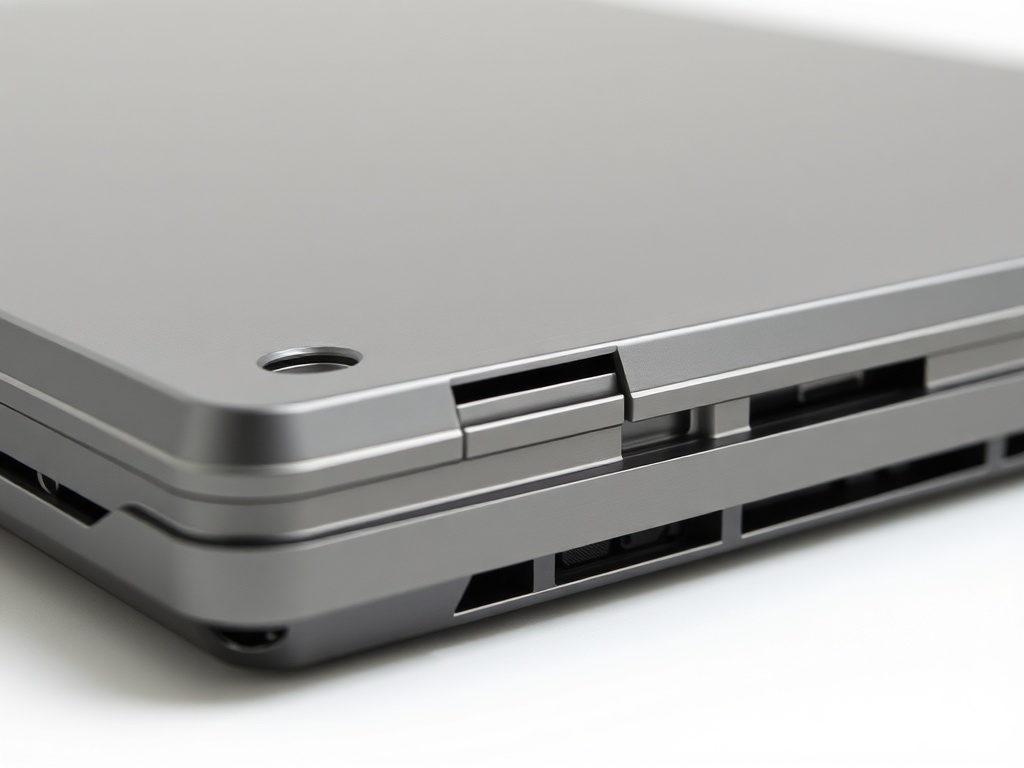
Before diving into specs, it's essential to consider the overall build quality. A laptop that feels flimsy or is made of cheap materials will eventually wear down, often leaving you with an expensive repair bill or forcing you to replace it sooner than expected. Look for solid metal chassis or magnesium alloy cases. Avoid glossy plastic, which is a fingerprint magnet and tends to look worn out quickly.
The Friction Factor: Keyboard and Trackpad
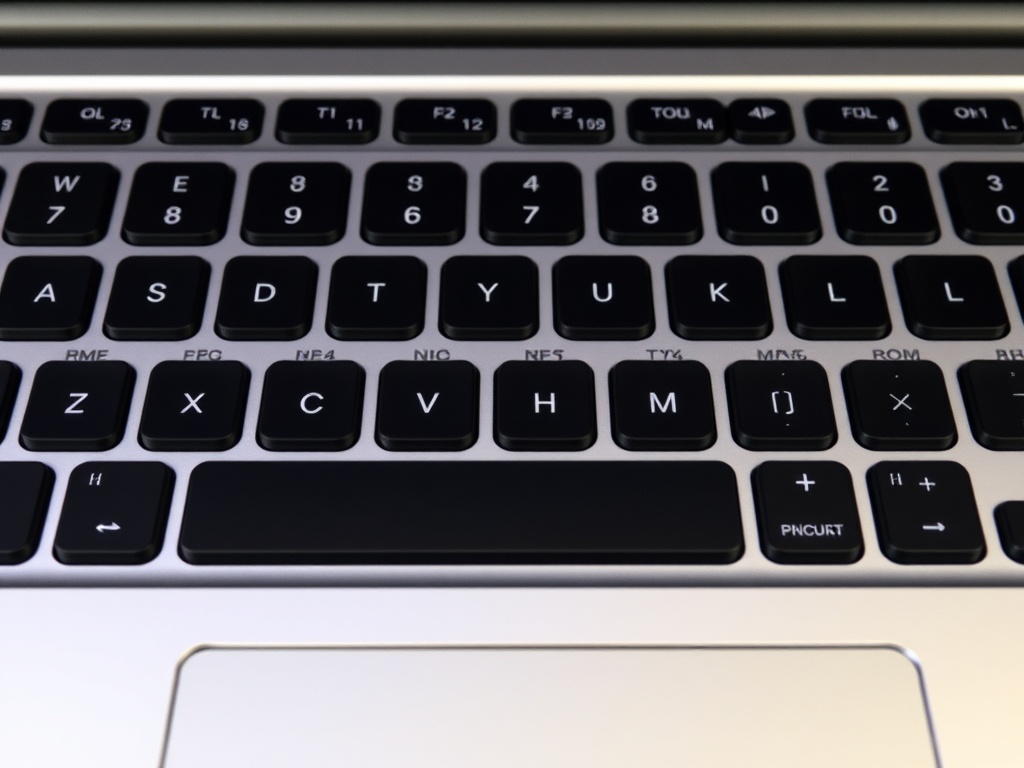
One of the first things you’ll notice when using a laptop daily is the keyboard and trackpad. A smooth typing experience and responsive trackpad are vital for long-term comfort. Weigh the trade-offs between keyboards with more travel (e.g., ThinkPads) versus those with low travel (e.g., MacBooks). The choice is subjective, but ensure the keyboard won't result in unnecessary wrist strain after prolonged use.
Why Repairability Matters
Laptops are expensive, and it’s vital to ensure they last. A laptop's repairability is a key factor in determining its longevity. Choose models that allow easy upgrades, such as user-replaceable RAM or storage. Avoid those with glued-in batteries or non-standard screws that prevent easy access to components. Brands like Lenovo and Dell often provide models that score high in repairability, whereas Apple laptops tend to be harder to repair without professional help.
The Old Version Test: Save Money by Choosing Last Year's Model
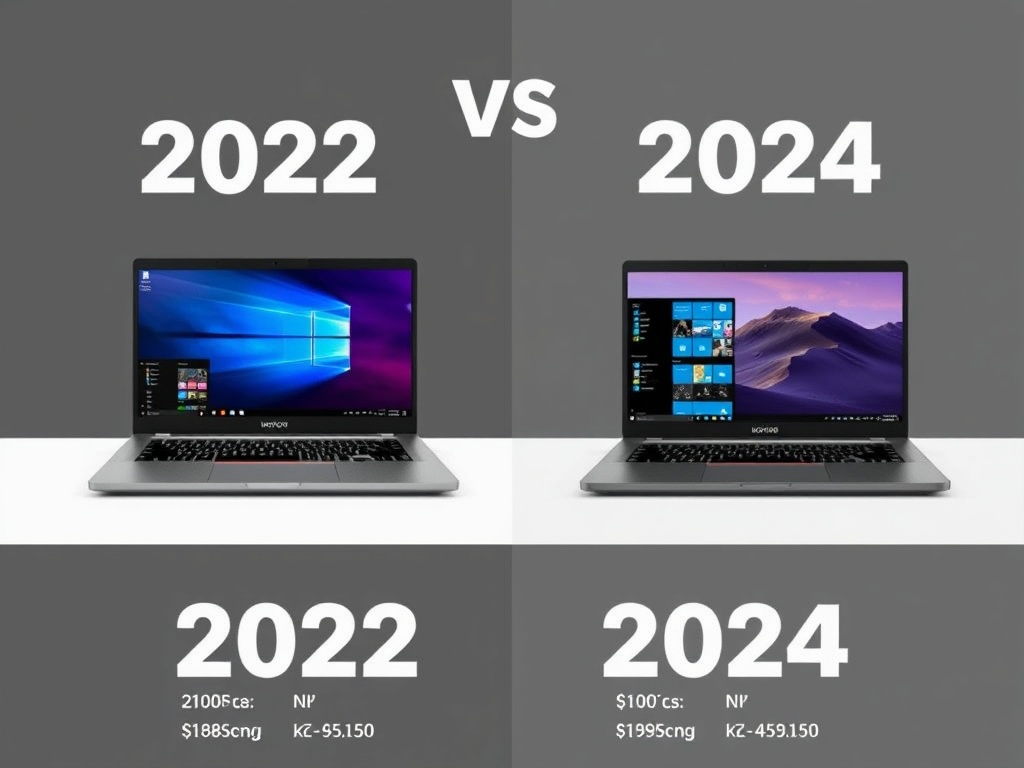
Before spending money on the latest and greatest model, it's often worth considering the previous year's version. The tech community often hypes up the newest specs, but in reality, the performance gap is often minimal. For instance, the 2022 model of a laptop might still offer 95% of the performance at half the price of the 2024 model. Consider waiting until the price of the newer model drops or opt for a refurb.
Who Should Skip This
If you need a laptop for casual web browsing or light office work, you don't need the latest hardware. The previous year's models will do just fine and save you a lot of cash. But if you plan on doing demanding tasks like video editing or gaming, it's worth investing in more recent models with stronger specs.