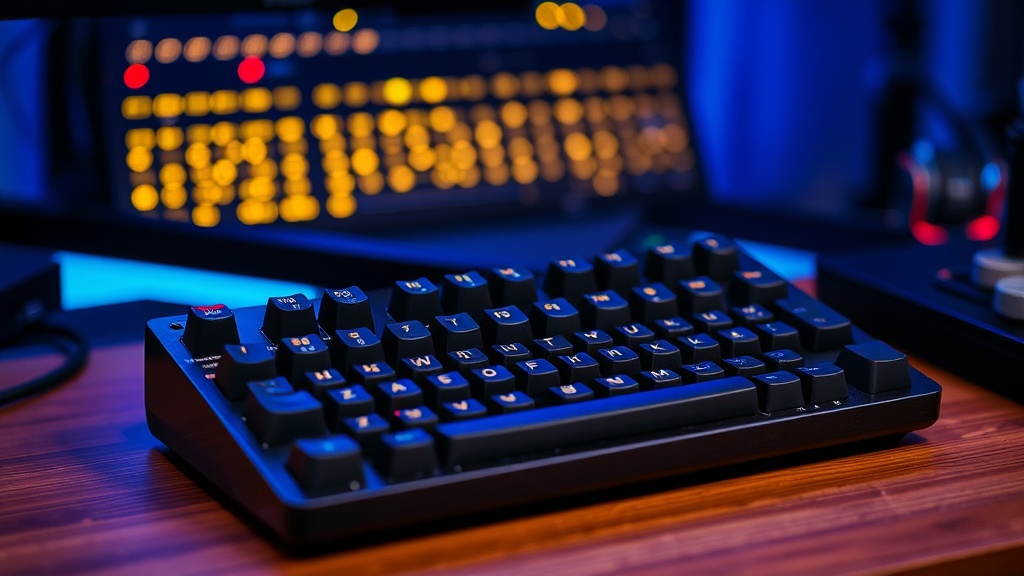
Why Your Mechanical Keyboard Sounds So Different

Quick Tip
The sound of your keyboard is determined by the combination of switch type, keycap material, and desk surface.
The Myth of the "Perfect" Switch
Most people assume that if they want a better-sounding mechanical keyboard, they simply need to buy a more expensive brand like Razer or Corsair. This is a mistake. The "thock" or "clack" you hear isn't just a byproduct of the switch itself; it is the result of a complex interaction between the switch, the keycap profile, and the internal acoustics of the keyboard case. If you are spending $200 on a keyboard and it still sounds hollow or "pingy," you aren't dealing with a bad switch—you are dealing with poor acoustic management.
The Three Pillars of Keyboard Sound
To understand why your board sounds like a cheap plastic toy rather than a premium tool, you need to look at these three components:
- The Switch and Stem: The sound starts with the physical contact. A linear switch (like a Gateron Black) will naturally sound smoother and more consistent than a tactile switch (like a Cherry MX Brown) because there is no "bump" to create extra vibration. The lubrication on the stem is also critical; unlubricated switches often produce a high-pitched "scratchy" sound that ruins the typing experience.
- Keycap Material and Profile: This is where most enthusiasts overlook the data. High-density PBT plastic keycaps produce a deeper, more muted sound compared to thinner ABS plastic. Furthermore, the profile matters—higher profiles like SA profile act like resonance chambers, amplifying lower frequencies, whereas low-profile Cherry profile caps tend to be sharper and more clinical.
- Case Resonance: This is the biggest culprit for "hollow" sounding boards. If your keyboard is a single empty plastic shell, it acts like a drum. Professional-grade boards use case foam or silicone dampeners to absorb the vibration before it hits the outer shell.
Practical Upgrades to Avoid "Hollow" Sound
Before you dump another $150 on a new pre-built board, try these pragmatic fixes to improve your current setup:
- Add a Tape Mod: Applying a single layer of blue painter's tape to the back of the PCB (Printed Circuit Board) can significantly dampen high-frequency vibrations.
- Switch Lubrication: If you have a hot-swappable board, buying a small tub of Krytox 205g0 and lubing your switches will do more for your sound profile than almost any other single upgrade.
- Desk Mat Integration: Never use a mechanical keyboard directly on a bare wooden or glass desk. A thick, 4mm felt or rubber desk mat acts as a low-pass filter, absorbing the desk's vibration and making the keystrokes sound more substantial.
Stop chasing the marketing hype of "premium" pre-built boards. Focus on the density of the materials and the dampening of the internal cavities. That is where the real performance—and the better sound—is found.