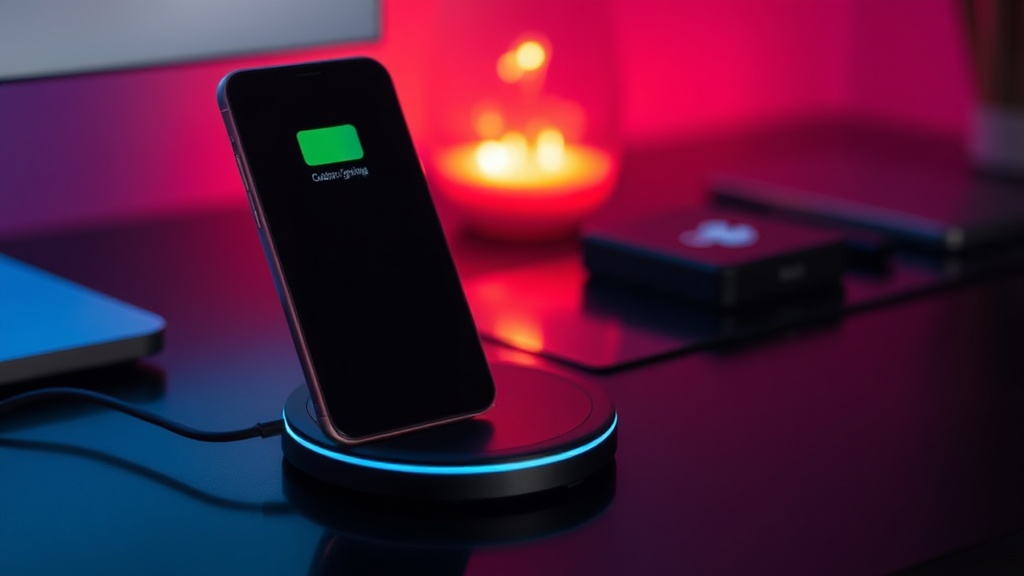
Why Your Wireless Charger Is Making Your Phone Hot

Quick Tip
Remove thick cases and avoid using your phone heavily while wireless charging to reduce heat buildup.
The Physics of Heat: Why Wireless Charging Generates High Temperatures
You place your iPhone 15 or Samsung Galaxy S24 on a Qi-certified charging pad, and twenty minutes later, the device feels uncomfortably hot to the touch. This isn't just a minor annoyance; excessive heat is the primary killer of lithium-ion battery longevity. If you are noticing your phone heating up during every wireless session, you are likely dealing with one of three specific technical inefficiencies: induction misalignment, case interference, or inefficient power conversion.
The Problem with Misalignment
Wireless charging relies on electromagnetic induction between two coils: one in the charger and one in your phone. When these coils are not perfectly centered, the energy transfer becomes inefficient. Instead of flowing directly into the battery, the "lost" energy is dissipated as waste heat. If you are using a stand-style charger and your phone is tilted even slightly, you are essentially running a tiny space heater inside your device. For maximum efficiency, ensure the center of your device aligns precisely with the induction coil of the pad.
Case Thickness and Material Obstructions
Marketing teams often claim their chargers work with "any case," but the physics says otherwise. Thick TPU or silicone cases—specifically those over 5mm thick—force the charger to work harder to penetrate the gap. This increased resistance generates thermal energy. Furthermore, avoid any case with integrated metal components, such as magnetic rings or metal kickstands. Metal in the path of an induction field causes "eddy currents," which can lead to rapid, dangerous temperature spikes. If your case has a built-in ring for a MagSafe accessory that isn't truly MagSafe-certified, it may be causing the exact heat issues you're seeing.
Fast Charging vs. Battery Health
High-wattage wireless chargers (like the 15W or 30W variants) push more current through the coils, which naturally increases the thermal load. While this is faster, it is much harder on your hardware. If you are charging your phone overnight, there is no reason to use a high-speed wireless pad. Switching to a standard 5W or 7.5W charger for overnight use can significantly reduce thermal stress. This is a similar principle to why smartwatch batteries often degrade faster due to improper charging habits.
Quick Checklist for Cooler Charging:
- Remove heavy cases: If the phone feels hot, strip the case and see if the temperature drops.
- Check alignment: Ensure the phone's internal coil is centered on the charging pad.
- Avoid metal: Ensure no credit cards, pop-sockets, or metal plates are between the phone and the charger.
- Lower the wattage: Use a slower, standard Qi charger for long-duration, overnight charging sessions.